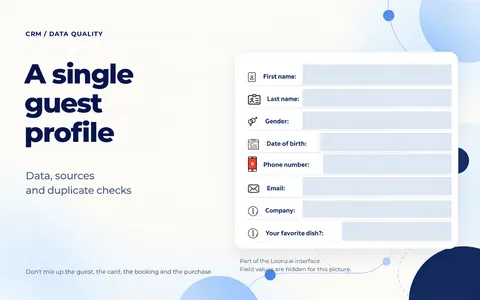
A single guest profile: data and duplicate checks
What data a restaurant needs in a guest profile: sources, consent and duplicate checks. How to prepare your database for CRM without mixing up guests, cards and purchases.

Implementation and integrations

You've chosen the terms of your points program and are getting ready to invite guests. Now you need to make sure everything happens at purchase the way you promise: points go to the right member, and they can be spent within your rules. It's better to find this out with a staff member before launch than to explain a mismatch to a guest at checkout.
First, write down the expected result for a regular purchase, for the next purchase with redeemed points, and for one key limit. Then agree with your team on a safe test and compare what you expected with what actually happened. If something doesn't match, you'll have a specific question about the setup, not just a general feeling that "the points don't work".
You don't have to cover all promotions at once. At your next meeting, it's enough to take one rule and go through when points should apply and when they shouldn't.
An open card and a visible balance don't yet answer the staff member's main question: what can they promise the guest? Take one agreed version of the terms and go through a chosen purchase with the person in charge of the setup.
Note the member, their terms and what's in the order. Then write down how many points should be earned, when they can be used, and what part of the next purchase can be paid with points. Also check whether new points are earned when a member redeems the ones they have.
Write down the answers with your agreed values. The staff member who tells guests about the program and the person who sets it up must have the same version of the rules. If the short description promises one thing and the setup does another, agree on the terms first. Otherwise, even after a purchase, it will be hard to tell if the program worked correctly.
Ask the person in charge of the POS system and the implementation team to choose a member for the test, an allowed way to run the transactions and how to wrap up the test. Discuss ahead of time how the transactions will show up in your accounting. This way you can check the rule without touching random guests' balances or creating unwanted records.
If you have a separate test setup, check how closely its settings match how the restaurant will really work. If you test on the live connection, it's especially important to agree on the steps before you start: calling something a "test" doesn't change what the transaction actually does. Fake sales and deleting records to get back to the starting point are not the right way to do this test.
Invite the staff member who will give and redeem points during shifts. Together you'll see whether the whole path is clear to them: find the right member, run the purchase and explain the result. Also decide ahead of time where to look at earned and redeemed points and when to compare them.
Run the agreed purchase with the chosen member. Make sure it is linked to that exact member, and compare the points earned with what you wrote down. It's not enough that the transaction just shows up in the general list of purchases.
In the next agreed transaction, check how points are used. Compare the available balance, the part of the check that can be paid with points, and what was actually redeemed. Then see if new points were earned: the result should match the rule you chose before the test.
In the Loona.ai Loyalty Program, you can set rules for earning and using points. For example, you can limit the part of the check that can be paid with points and turn off earning when points are redeemed. Agree with the team during implementation which of these settings are available and needed for your venue.
The Loona.ai guest profile shows transactions and loyalty cards. Find out where in your setup to see the purchase and the result of the rule, and compare this with what the test member sees in the way they access the program. If the data is different, go back to the agreed time for comparing and find the reason. This way you won't mistake a delay for an error, but you won't leave it unexplained either.
If you had to fix a balance by hand, write that down separately. A correct amount after such a fix doesn't prove that the purchase itself was processed correctly.
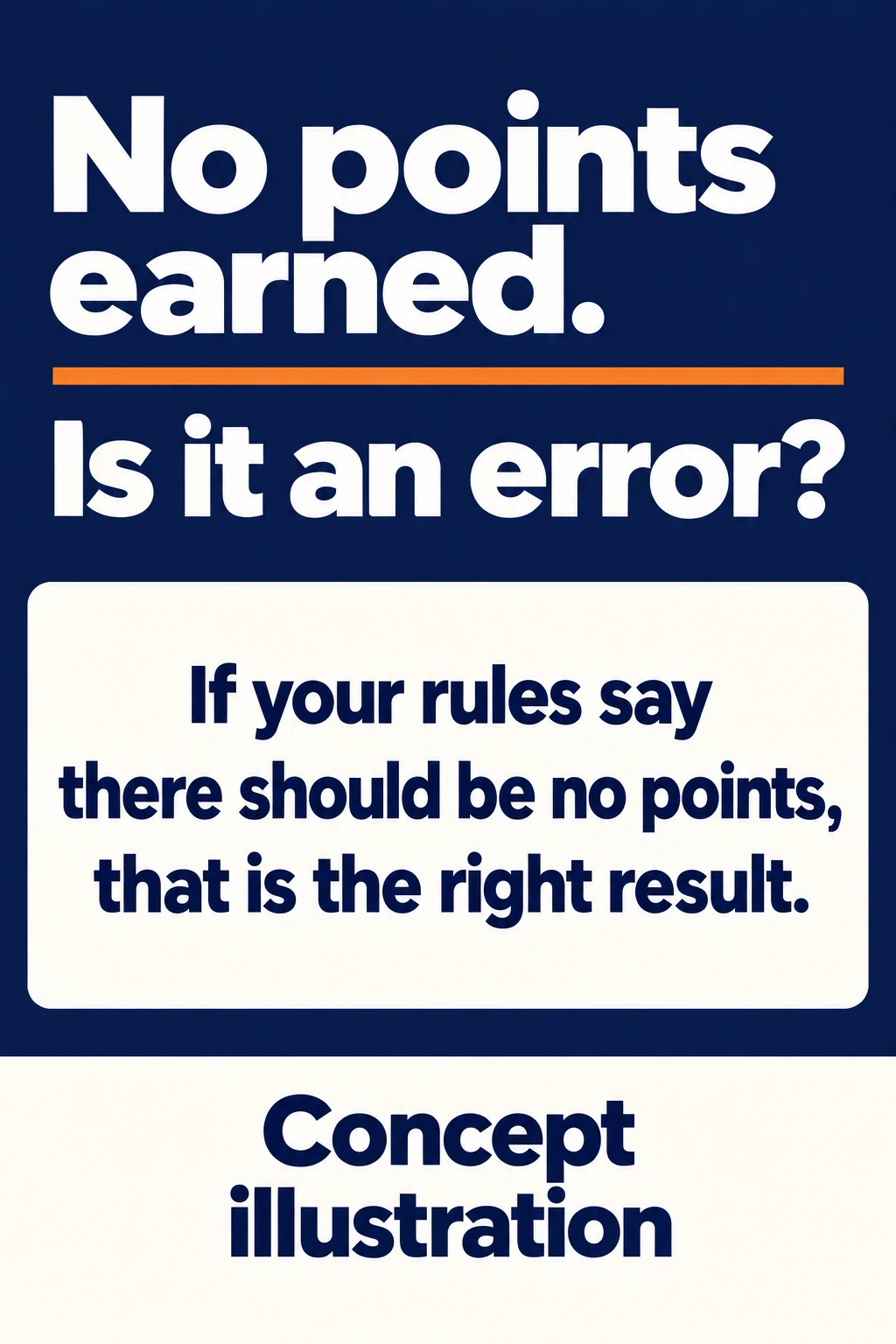
Concept illustration: a made-up example of checking a limit, not data from a real test and not a general program rule.
A regular purchase won't show whether the program follows exceptions. Choose a condition that is really in your rules: for example, the time when points are earned, or a menu item that doesn't earn points. Here, no points earned or redeemed may be exactly the right result.
Loona.ai has time limits for earning and redeeming points. For integrated setups, there are also exceptions by product and category. Before you add such an exception to the test, confirm with the team that it's available for your setup.
A made-up example: under the restaurant's rules, one menu item earns points and another is excluded. Write down the expected result for each and check both. The excluded item should not earn points. If points appear, send the team what was in the purchase and the chosen rule, so they can find out why the result didn't match what you expected.
For a time limit, agree on how to check both the allowed and the blocked time periods. You don't need to change the clock on the live POS system for this. If there's no safe way right now, mark the condition as not checked and set the next step with the team.
The general way to work with terms and check them regularly is covered in the article on rules for a virtual points card. Here you need a narrower answer: does the chosen condition work in a specific purchase?
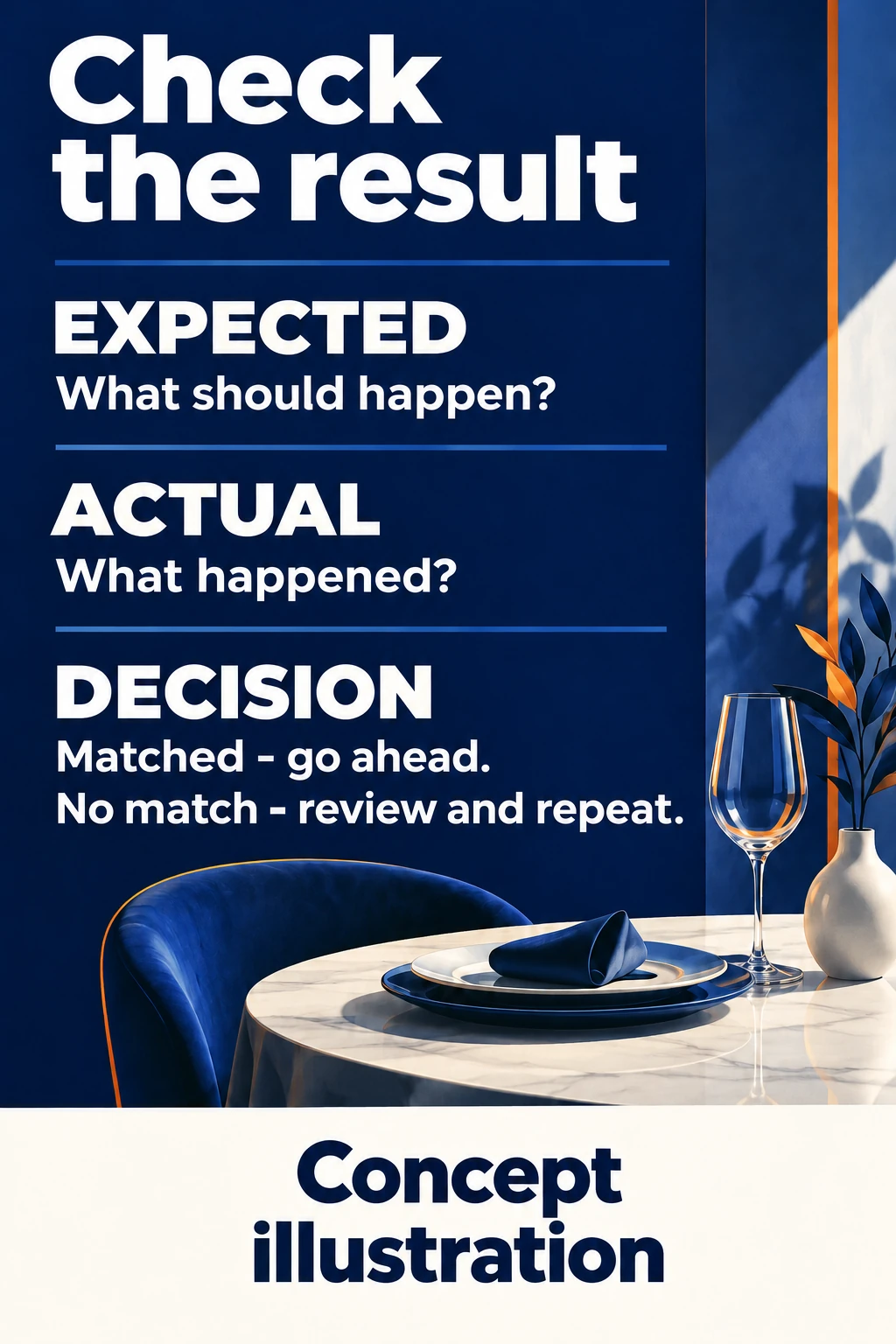
A concept illustration of our editorial method, not a Loona.ai screen and not test results.
Create a short table in the work document you usually use. Fill it in as you test, so later you don't have to remember what balance you started with and on which purchase you saw the mismatch.
| Case | What you expected | What you got | Decision |
|---|---|---|---|
| Regular purchase | Write down the expected points earned | Note the actual points earned and the balance | Matched or needs review |
| Purchase with redeemed points | Write down the allowed redemption and the rule for new points | Note the points redeemed, the points earned and the final balance | Matched or needs review |
| Purchase with a limit | Note when points should and shouldn't apply | Write down whether the condition worked | Matched, mismatch, or not checked yet |
Add the date, the version of the terms, the starting balance and the person in charge. This is your work record. You don't need to put real guest contact details in it.
If there's a mismatch, the team will need more than a message saying "the points didn't come through". Send the chosen rule, what was in the purchase, the time, and the expected and actual result. Send the link or transaction ID through your agreed work channel, without posting personal data in the open.
After the fix, repeat the problem case and a regular purchase that the fix might have affected. Save the new result next to the old one, so you can see if the mismatch is gone. Fixing the balance by hand doesn't replace this second check.
You can invite guests to use the chosen rule when the agreed checks match your rules and the staff member can run a purchase and explain the result. If earning, redeeming or a key limit still works differently, first finish sorting it out with the team. Your invitation should only include the terms you were able to check.
The result applies only to the terms you checked. For another location, a different POS setup or a new rule, decide separately what needs to be repeated. Cancellations, refunds and what happens during outages also need agreed test cases: a regular purchase doesn't check them.
This way you'll know whether your promise to the guest is kept. Whether the program brings extra visits and pays for itself is something to measure separately, once earning and redeeming already work by your chosen rules.
Start with a doable step: take one rule and, together with the person in charge, write down what will happen with a regular purchase and with a key exception. If the answers are clear, you can agree on a safe test. If not, you already know what question to solve before you invite guests.
What data a restaurant needs in a guest profile: sources, consent and duplicate checks. How to prepare your database for CRM without mixing up guests, cards and purchases.

Restaurant bar automation should cover several tasks at once: fast service, accurate accounting, food cost control and a link to CRM.

Automating a coffee shop is different from automating a classic restaurant. In a coffee shop, speed matters most