Earning and redeeming points: what to check before launch
How to check with your team how points are earned and redeemed and one key limit of your points program. Then write down any mismatches and choose the next step before launch.

Implementation and integrations

Before you launch the AI Hostess, put the answers to common guest questions into one working info sheet: where and when guests can come, where to see the menu, how to book a table, and what to ask a staff member about. For terms that change, note the venue, how long they are valid and who confirms updates. With this info sheet, it will be easier for the team to agree on the answers and check them before talking to guests.
Start with the questions guests already ask your host. A guest planning a late dinner needs more than "we're open until late": they need to know if the right restaurant is open and if they can still order food. If the dining room and the kitchen close at different times, write down both schedules.
For the first version of the info sheet, it is enough to go through the questions that help a guest decide whether to come to you and how to book a table.
| What the guest wants to know | What the team needs to prepare |
|---|---|
| How to get there | The exact address of the right venue, the entrance, confirmed landmarks |
| When they can come | Opening hours, kitchen hours separately, exceptions for specific dates |
| What is on the menu | A link to the current menu and the person who confirms changes |
| How to book | The agreed way to book and the questions to ask the guest |
| Is the offer still on | Approved terms, dates, venues and limits |
| Who to contact with a special request | Cases a staff member handles, and the agreed way to reach them |
If you have a chain, check the menu, hours and offers for each address. Shared rules can stay in one section, and the differences can be written next to the specific restaurant.
At Loona.ai, when we prepare the AI Hostess for launch, we agree on the channels, the venue information and the cases where a staff member is needed. Then we check the conversations and train your team. A ready info sheet will be the base for this check. During setup, agree on how to send materials and update the details.
It is easier to work with short notes than to look for the right detail across several presentations and chats. For each important rule, answer three questions: which venue it is about, when it applies, and where the confirmed version is.
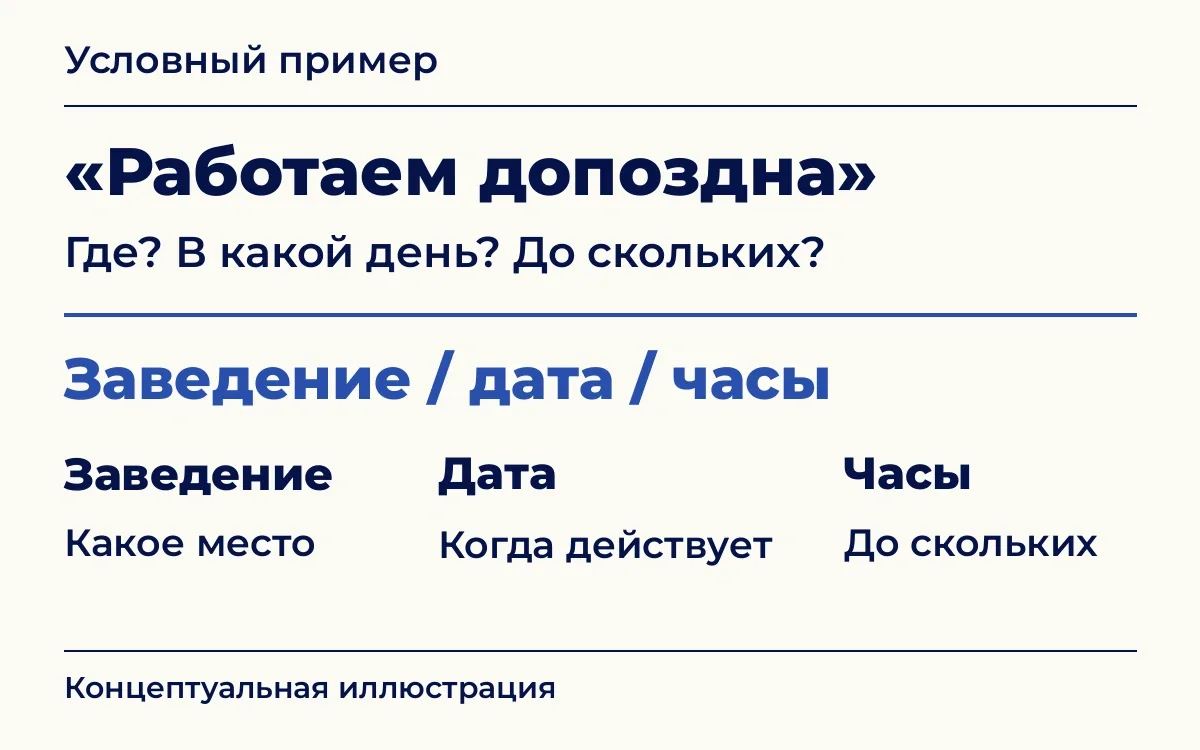
A sample structure of a note, not a product screen. Take the real hours from the restaurant's confirmed schedule.
Add a source and the person in charge to each note: for example, the current schedule and the general manager who confirms exceptions. The check date also helps: a colleague will see when the details were last checked. This is one way to organize the info sheet inside the team; agree on the format of materials for the setup separately.
If the website shows one closing time and a pinned message shows another, first find out which one is right. Keep the confirmed version in the working pack. Remove a canceled rule or clearly mark that it no longer applies.
The same goes for promotions. "Weekday discount" is not enough if the offer is only at one address or ends before the holidays. If you don't know a limit, it is better to check it with the person in charge than to fill it in based on a past promotion.
Agree in advance which questions the AI Hostess answers using approved details, and which need to be checked with a staff member.
For example, an unusual event format may need the general manager's approval. And for a question about allergens, you can't promise a dish is safe based only on its name or a short menu description. Agree with the team which details can be shared and where to send questions that need checking.
Also write down a good way to answer. Instead of an unconfirmed "yes, of course", you can say: "We'll check this with the restaurant staff." Agree on who takes such a question and how the guest will get an answer. During setup, agree on how the inquiry is handed off, and test it with an example of such a request.
Say the restaurant canceled an offer, but its description stayed in an old file. After you fix the info sheet, check what the AI Hostess tells a guest about this offer. This way you check not only the document but also the answer in the channel that is set up.
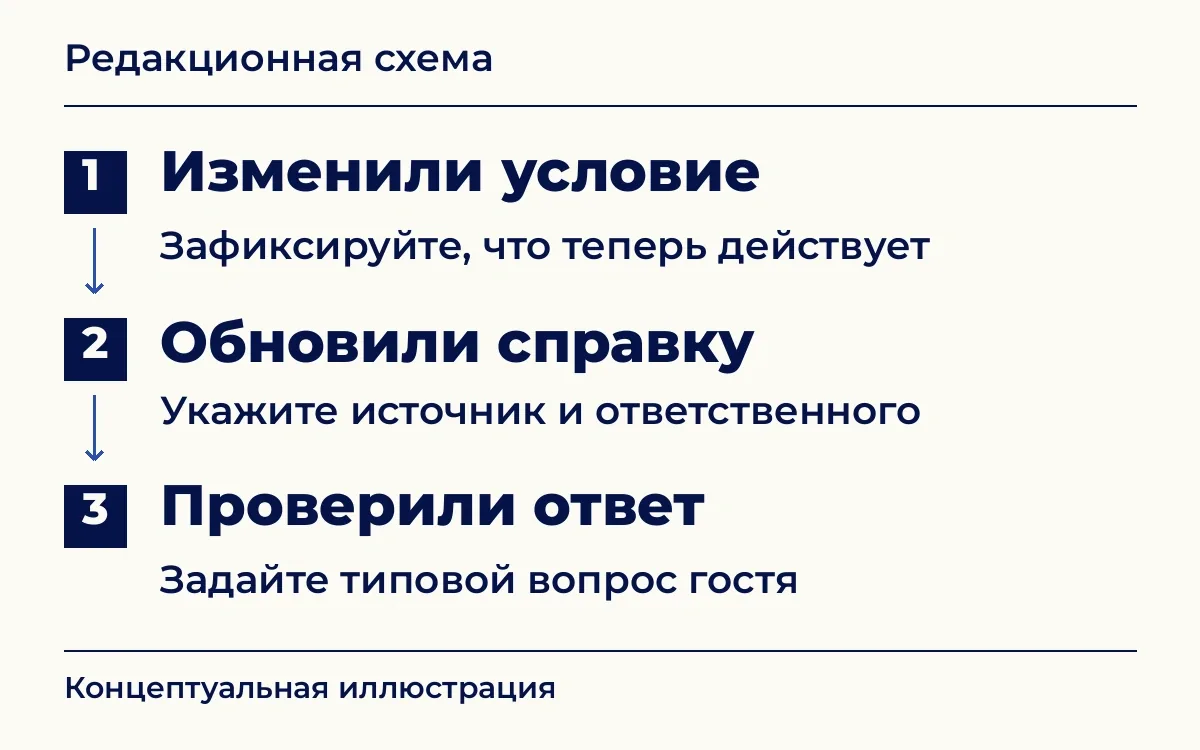
An editorial diagram of how the team works. It is not an interface and not a promise that the details update automatically.
Agree on this order for changes:
If the right version is not confirmed yet, agree with the team on a temporary answer that says a staff member will check.
For a one-time event, also write down the date the rule ends. Otherwise, getting ready for the next weekend will start with finding out if the last offer is still on.
Take real typical questions and remove guests' names and contacts. Add questions where it is easy to mix up the address, the date or a past offer. For example:
Compare the answer with the approved info sheet. Check that the address and date are right, that no limits were lost, and that the guest understands the next step. If a staff member is needed, check separately that the agreed way to reach them works.
It is easier to record a mistake in specific terms: what question was asked, what answer came back and which rule was lost. After the fix, ask the question that caused the mistake again, and a related one too: for example, about the same offer at another restaurant in the chain, if it is valid there. Check that no new conflict has appeared. A successful test confirms the case you tested, but it does not guarantee that all future conversations will be correct.
You can start with one venue and a small set of common questions. Remove conflicts, agree on updates and check the answers. Save this info sheet as the working version, so that at the next change the team knows which details to update and who confirms them.
How to check with your team how points are earned and redeemed and one key limit of your points program. Then write down any mismatches and choose the next step before launch.
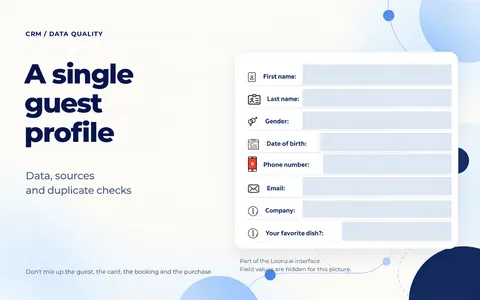
What data a restaurant needs in a guest profile: sources, consent and duplicate checks. How to prepare your database for CRM without mixing up guests, cards and purchases.

Restaurant bar automation should cover several tasks at once: fast service, accurate accounting, food cost control and a link to CRM.