
Setting up reviews
You can collect guest reviews with Loona.ai

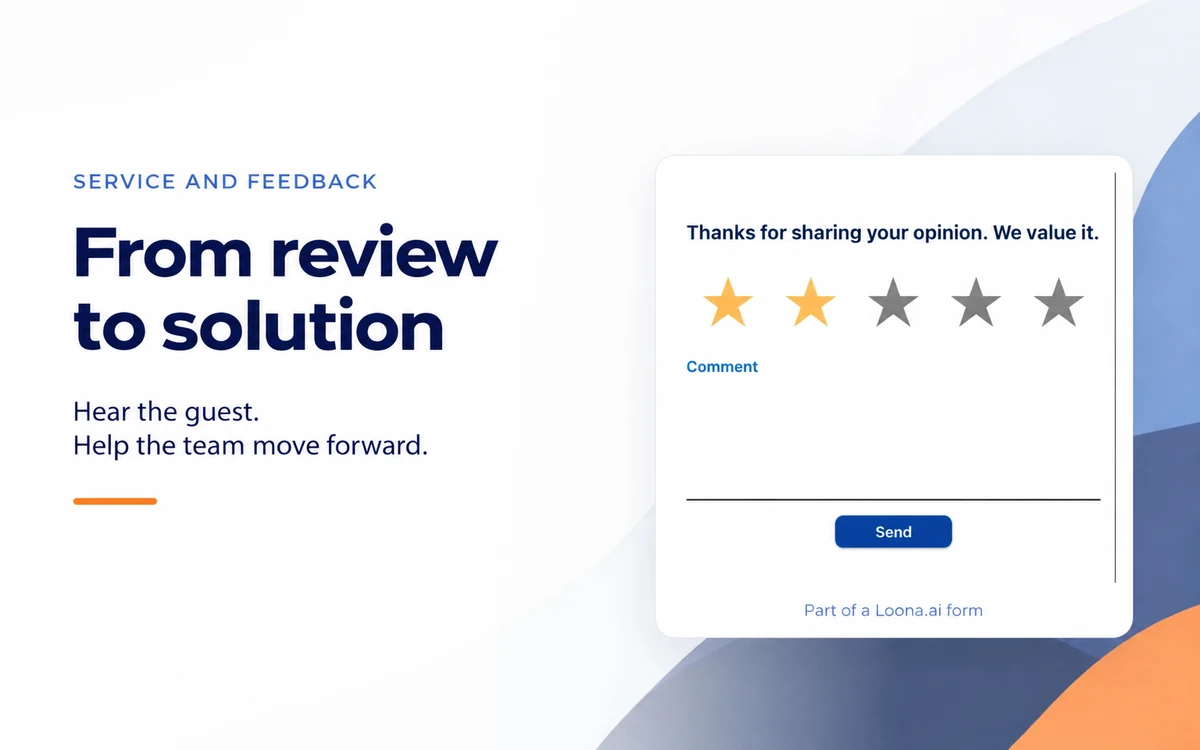
Imagine this made-up situation: after dinner, a guest wrote that they waited a long time for their main course. The general manager thanked them for the review, and the kitchen heard about it at the team meeting, but the next Friday the long wait happened again. The restaurant was missing the next steps: who finds out the reason for the delay, what the team will try to change, and how it will know if this helped.
It helps to link the review request to this kind of work right away. You can start with a short, neutral invitation after the visit and one staff member who reads the replies. The guest will have a clear way to share their impression. Give the staff member time to go through the replies, and explain in advance what solutions they are allowed to offer.
Choose a moment when the visit is already over and the team can read the reply and contact the guest if needed. For the first launch, one suitable channel and a short request are enough. Pick the sending time to fit your venue's format: a message about dinner should not wake someone up at night.
Here is a sample text you can adapt for your restaurant:
"Thank you for visiting us today. Please tell us how your visit went: what did you like, and what should we improve? You can leave a review using the link."
Before sending, add the restaurant's name and a working link. The wording leaves room for both thanks and an issue. Asking for a high rating would give the team less useful information about the visit itself.
If you want to suggest a public review platform, invite all guests the same way, no matter what their impression or earlier rating was. Sample wording: "You can also share your experience on our restaurant's page." The link to it should be available both to guests who liked everything and to those who have a complaint. You can respond to a complaint at the same time, but don't make the chance to leave a public review depend on settling it.
For messages, use a channel where you have the consent needed for this kind of communication, and respect a guest's choice not to get more messages. To start, the request itself is enough: explain that you want to hear about the visit, and let the guest answer in their own words.
One rating is not enough to decide what to change. "We waited a long time" may mean a wait for a table, a dish or the bill. Ask the guest to describe the situation in their own words, and ask for the missing detail in a conversation if they left a contact.
In Loona.ai Reviews & Reputation, you can collect feedback and set the moment of the request, the channel and the questions. In the admin portal, you can see the guest's rating and comment. During setup, agree with the team where staff will read the replies and how they will continue the conversation when an inquiry is difficult.
The guest's history with you can also help you figure out which visit the message is about. In Loona.ai CRM, the guest profile holds visits, purchases, bookings, preferences and past conversations. First make sure you opened the right profile; we wrote more about the quality of this data in the article about a single guest profile. Still, the purchase history can't tell you what exactly upset the person.
Choose a staff member who can check the details with the dining room and the kitchen and come back to the guest with an answer. It helps if they know in advance which solutions they can offer on their own and which they discuss with the general manager. This is a team agreement worth thinking through before you send invitations.
In our example, the first reply could sound like this:
"Thank you for telling us about the wait for your main course. I'm sorry you had to wait. Please send me the time of your visit and the dish in a private message: I'll look into it with the team and get back to you tomorrow before lunch."
The deadline here is just an example. In your reply, give one that the staff member can keep. If by then you couldn't fully sort it out, tell the guest what you already found out and when you will continue the conversation. This is better than leaving a promise without an answer.
When you reply to a public review, don't share the phone number, the order or other personal details. Offer a private channel for questions. If the restaurant decides to offer compensation, present it as help in a specific situation, without asking the guest to change the rating or delete the review.
After the conversation, leave a short note in the work log your team uses. Keep the guest's words apart from what you were able to check. In the example, the note "the guest reported a long wait" gives their impression, while "according to the kitchen, the order was delayed at handoff" is already the result of a check. Write the second kind of note only if the team found the reason.
To keep working on it, it helps to save:
You can keep this log in any tool your team already uses. This is about your own agreement: write down the person in charge in plain text, and don't count on special fields or automatic assignment. The staff member should understand which inquiry they are responsible for and what they do next.
Let's continue the example. If the check showed a delay at handoff from the kitchen, the general manager can agree with the kitchen and the dining room on who notices a ready dish and passes it to the waiter on a busy evening. On the next similar shift, the general manager checks whether the new routine is followed. If the reason turned out to be different, the action will be different too: don't blame someone in advance based on one rating.
Go through guests' thanks along with the issues. Specific praise helps you see what the team already does well and what you want to keep. In the example, a guest might mention a careful explanation of the menu or help with seating a group.
At the next team review, go back to the issue you chose: check that the guest got the promised answer and that the team took the agreed action. Then look at how the work goes in a similar situation. In the example with the main course, it is important to check how ready dishes go from the kitchen to the dining room when it's busy, not only to make sure the guest got a reply.
For regular tracking, the number of guest replies, recurring topics and response time are useful. With Loona.ai, you agree on the metrics and how to measure them to fit your process. If you plan to connect outside review platforms or automatic replies, check before launch which actions are available for each platform separately.
Don't judge the work only by the average star rating. If there are fewer issues at the same time as fewer replies, this doesn't yet mean things got better. And having no new complaints doesn't by itself prove that the cause is gone: it is more useful to see if the new routine is followed in the dining room and the kitchen.
On your next shift, you can start with one issue. Agree on who will check the details and reply to the guest, and, once the reason is clear, what realistic change to try. If you can only check it on the next similar shift, write down who will come back to it. This way the inquiry has a follow-up even after the chat with the guest is over.
You can collect guest reviews with Loona.ai